
Adjusting Color Balance (MF8580Cdw/MF8280Cw/MF8210Cn)
Solution
Adjust the levels of yellow, magenta, cyan, or black.
Example: If you want to make a copy with colors that more closely match the original
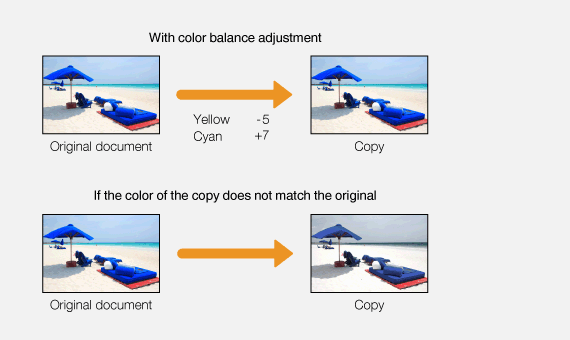
Example: If you want to make a copy with brighter colors than the original
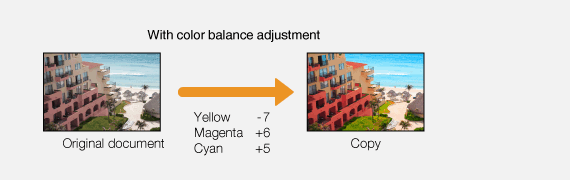
[  ]
]  <Color Balance> [
  ] Select the color [ ] Adjust the color level <Apply> <Apply>
] <Color Balance> [ ] Select the color [ ] Adjust the color level <Apply> <Apply>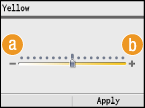
(a) <–>
Makes the selected color lighter.
(b) <+>
Makes the selected color darker.