
Begin recording using self-timer (Movie Self-Timer) (EOS M200)
Solution
Movie recording can be started by the self-timer.
1. Turn the camera on.
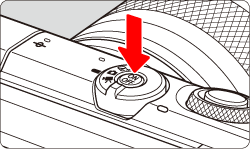
2. Set the shooting mode switch to <  >.
>.
>.
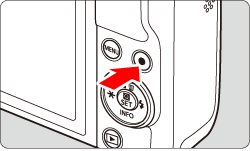
3. Press the <  > button.
> button.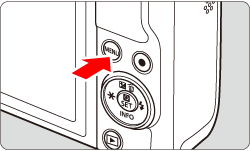
4. Press the <  > <
> <  > buttons to select the [
  ] tab, and press <
  >.
>.
> < > buttons to select the [ ] tab, and press < >.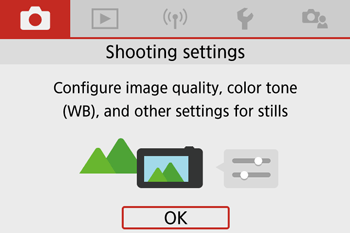
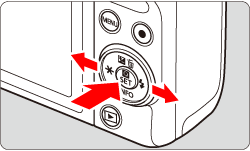
5. Press the < > < > buttons and select the [  ] tab.
> < > buttons and select the [ ] tab. 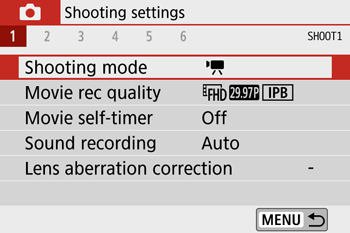
6. Press the <  > <
> <  > buttons to select [ Movie self-timer ], and press < >.
> < > buttons to select [ Movie self-timer ], and press < >.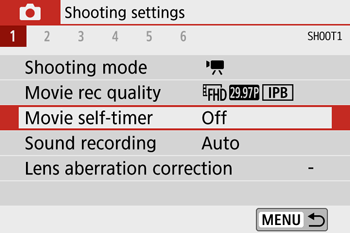
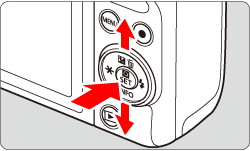
7. Press the < > < > buttons to choose [ 10 sec ] or [ 2 sec ], then press < > button.
> < > buttons to choose [ 10 sec ] or [ 2 sec ], then press < > button.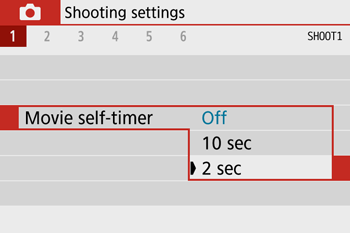
8. After you tap [  ] or press the movie shooting button, the camera beeps and displays number of seconds left before recording.
] or press the movie shooting button, the camera beeps and displays number of seconds left before recording.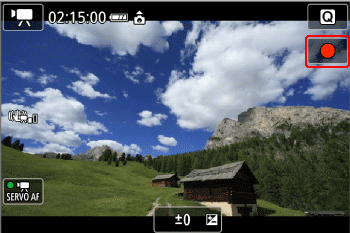
1. Turn the camera on.
2. Press the < > button.
> button.3. Press the < > < > buttons to select the [  ] tab, and press < >.
> < > buttons to select the [ ] tab, and press < >.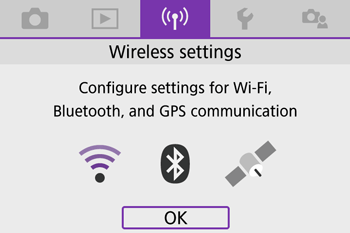
4. Press the < > < > buttons and select the [ 1 ] tab.
> < > buttons and select the [ 1 ] tab. 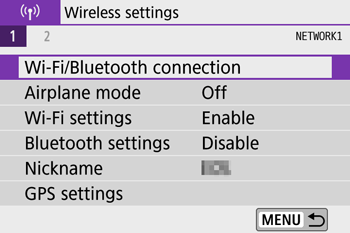
NOTE
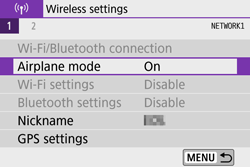
- If Airplane mode is [On], turn it to [Off].
5. Press the < > < > buttons to select [ Bluetooth settings ], and press < >.
> < > buttons to select [ Bluetooth settings ], and press < >.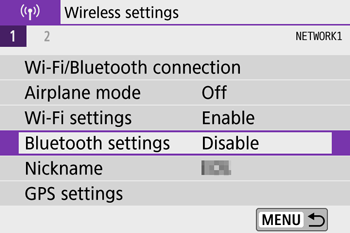
6. Press the < > < > buttons to select [ Bluetooth ], and press < >.
> < > buttons to select [ Bluetooth ], and press < >.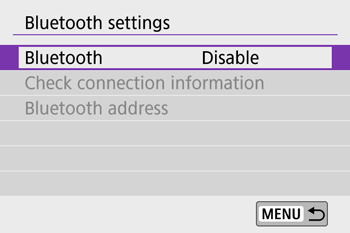
7. Press the < > < > buttons to select [ Enable ], and press < >.
> < > buttons to select [ Enable ], and press < >.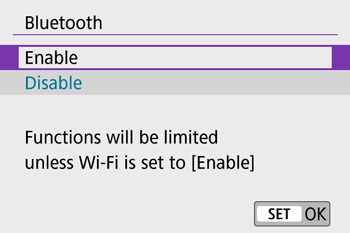
8. Press the < > button.
> button.9. Press the < > < > buttons to select [ Wi-Fi/Bluetooth connection ], and press < >.
> < > buttons to select [ Wi-Fi/Bluetooth connection ], and press < >.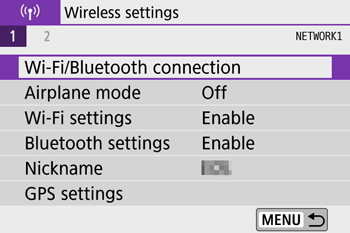
10. Press the < > < > buttons to select [ Connect to Wireless Remote ], and press < >.
> < > buttons to select [ Connect to Wireless Remote ], and press < >.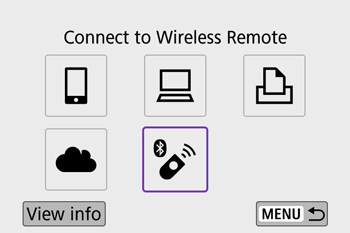
NOTE
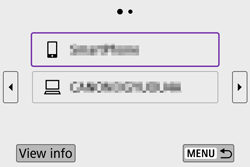
- If the history is displayed, switch the screen with the < > < > keys.
11. Press the < > < > buttons to select [ Add a device to connect to ], and press < >.
> < > buttons to select [ Add a device to connect to ], and press < >.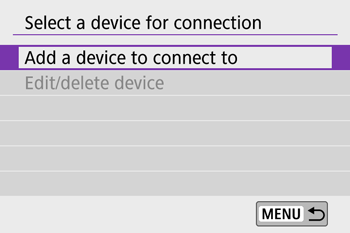
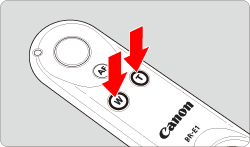
12. Press and hold the BR-E1's <W> button and <T> button simultaneously for 3 sec. or more.
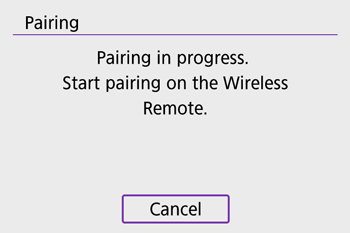
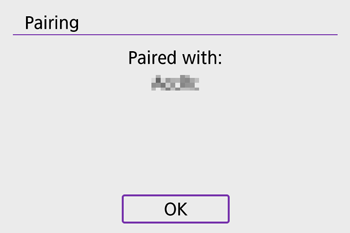
13. After a message confirms that the camera is paired with the BR-E1, press < >.
>.
14. In [Remote control] on the [ ] tab, select [Enable].
] tab, select [Enable].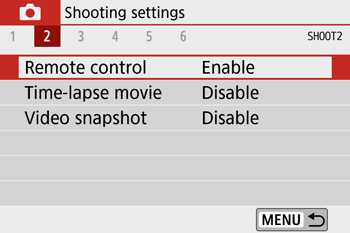
15. Set the release timing/movie shooting switch on the remote controller to the < > position.
> position.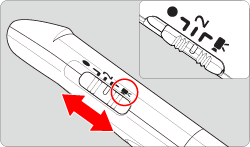
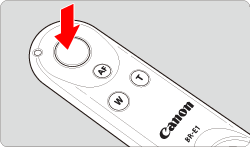
16. When you press the release button on the remote controller, the camera beeps and displays number of seconds left before recording.
IMPORTANT
- Bluetooth connections consume battery power even after the camera’s auto power off is activated.
NOTE
- When you do not use the Bluetooth function, setting [Bluetooth settings] to [Disable] in step 7 is recommended.